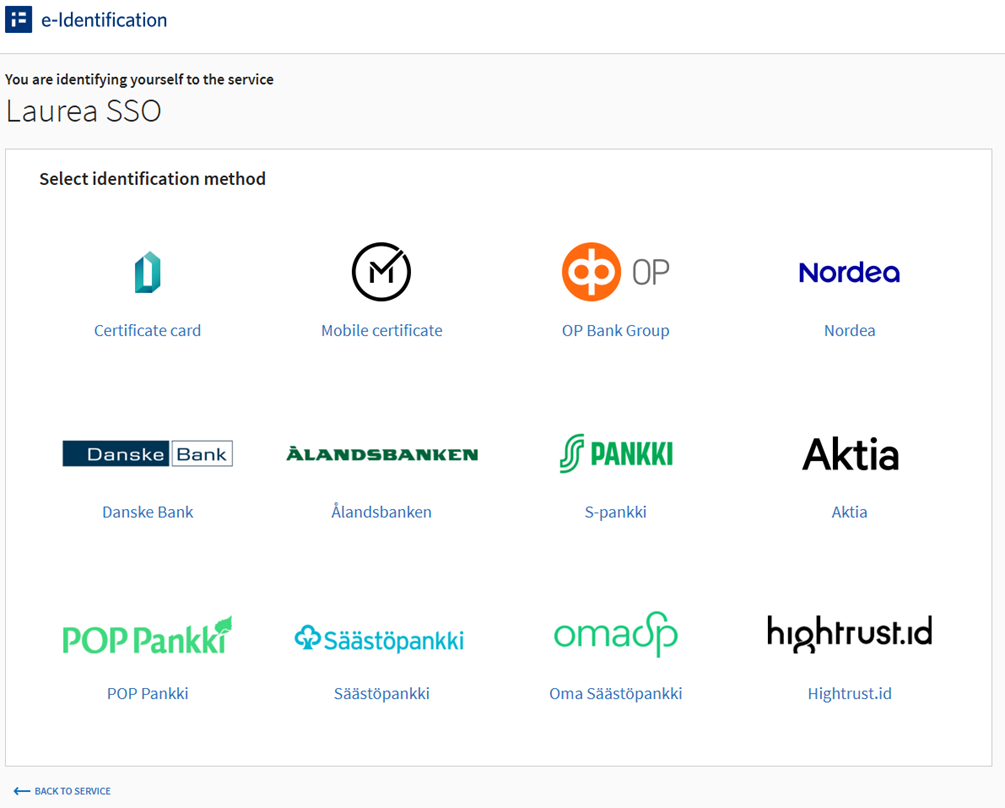
A forgotten or expired password can be changed in the IAM Portal by signing in with Suomi.fi authentication.
- Go to the IAM Portal: https://iam.laurea.fi
- Select “Suomi.fi – Student” as the sign-in method
- Select your bank and log in with your online banking credentials (follow the bank-specific instructions displayed on the screen)
- After signing in, change your password according to the instructions