Your username will be sent to you by email in the ‘Welcome to Laurea IT services’ message you receive, so please keep it for your records!
Log in to the IAM portal (address: https://iam.laurea.fi) the same way as to other Laurea systems: in the form username@laurea.fi, e.g. LAP77007@laurea.fi or 2901234@laurea.fi.
If you do not remember your username, log in to the IAM portal using online banking credentials or mobile ID.
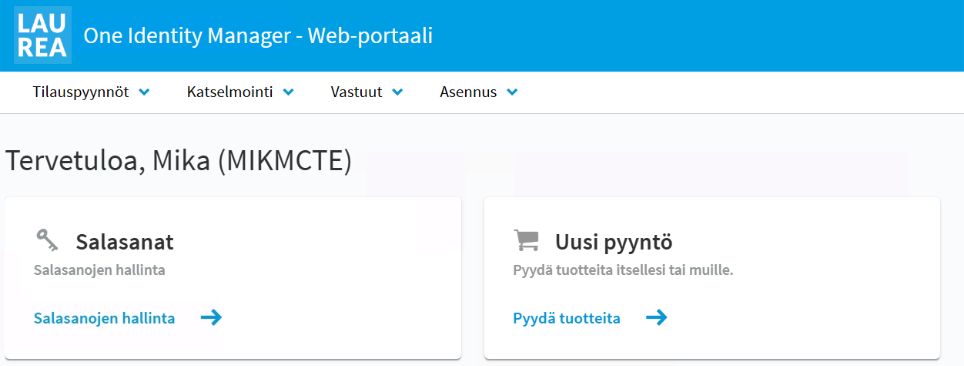
After logging in to the IAM portal you can see your username on the front page after the Welcome text and your first name.
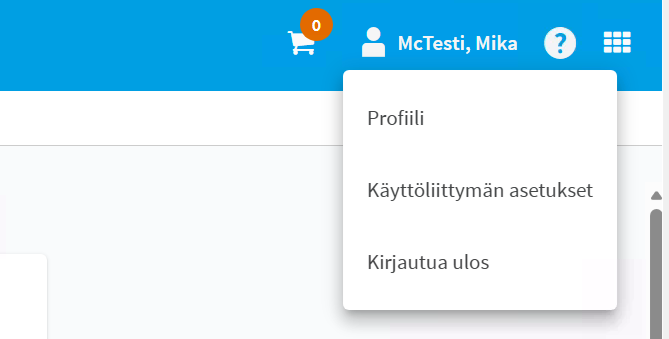
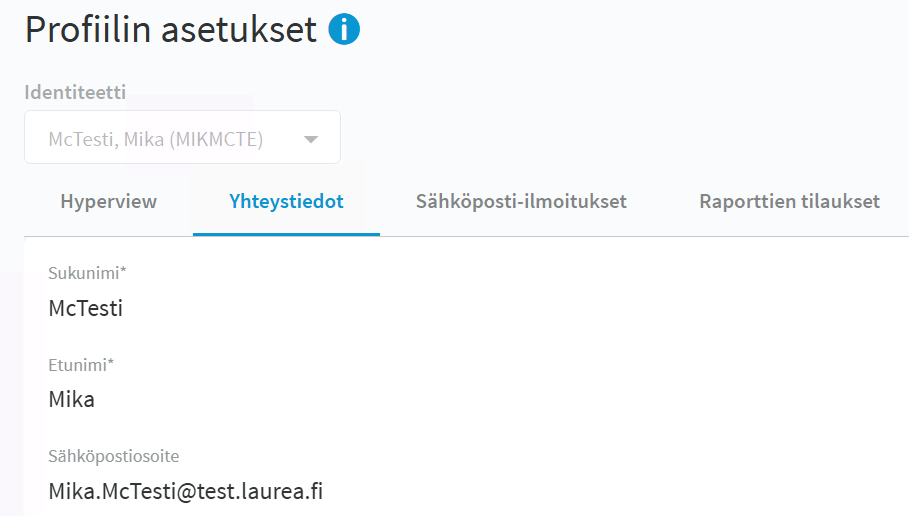
You can view your email address in your profile, on the Contact information tab.